
KOVA Admin Tools documentation
How to install the mod and use every part of it: roles, bans, jail, Game Master control, announcements, chat commands and settings. Written for owners who run their own server and edit the settings file by hand. If you host with KOVA, the panel does the file work for you.
Start here
- 1Add the mod to the serverPut KOVA - Admin Tools in the server's mod list and start the server once. It creates its own folder and settings file.
- 2Make yourself the ownerPut your player ID in the owner role, or sign in with the server admin password the first time.
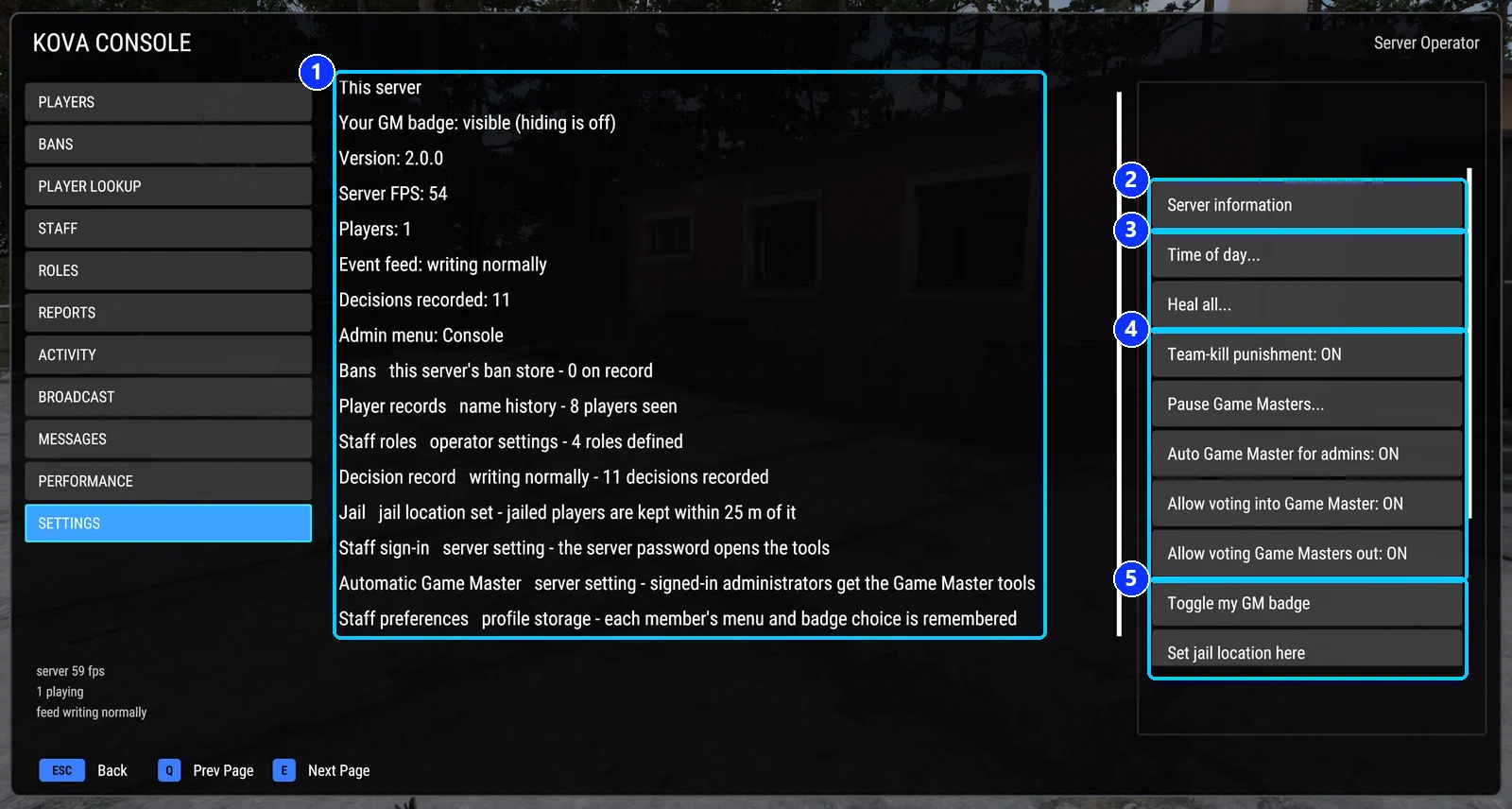
- 3Press F11The tools open in game. Pick a page on the left, select a player, press a button.
Set up
Get the mod on the server and give your staff access.
Day to day
The things staff do on a busy evening.
Players and bansWarn, kick, ban, jail, look a player up, keep notes.Game MasterHand it out, take it back, block it, stop it in an emergency.Messages and announcementsWelcome line, server information, broadcasts, scheduled messages.Server toolsHeal, teleport, time of day, safe zones, ranks, cleanup, performance.Chat commandsEverything from the chat box, with examples.
Reference
Every setting, every file, and what to do when something is wrong.
Stuck?
Start with Troubleshooting. If that does not settle it, ask on the KOVA Discord or write to support@kova.host, and say which version you run.